

Loading ApplyHolic
ApplyHolic gives your search an operating rhythm: build evidence, prioritize fit, tailor documents, review workflows, and track outcomes.
Workflow
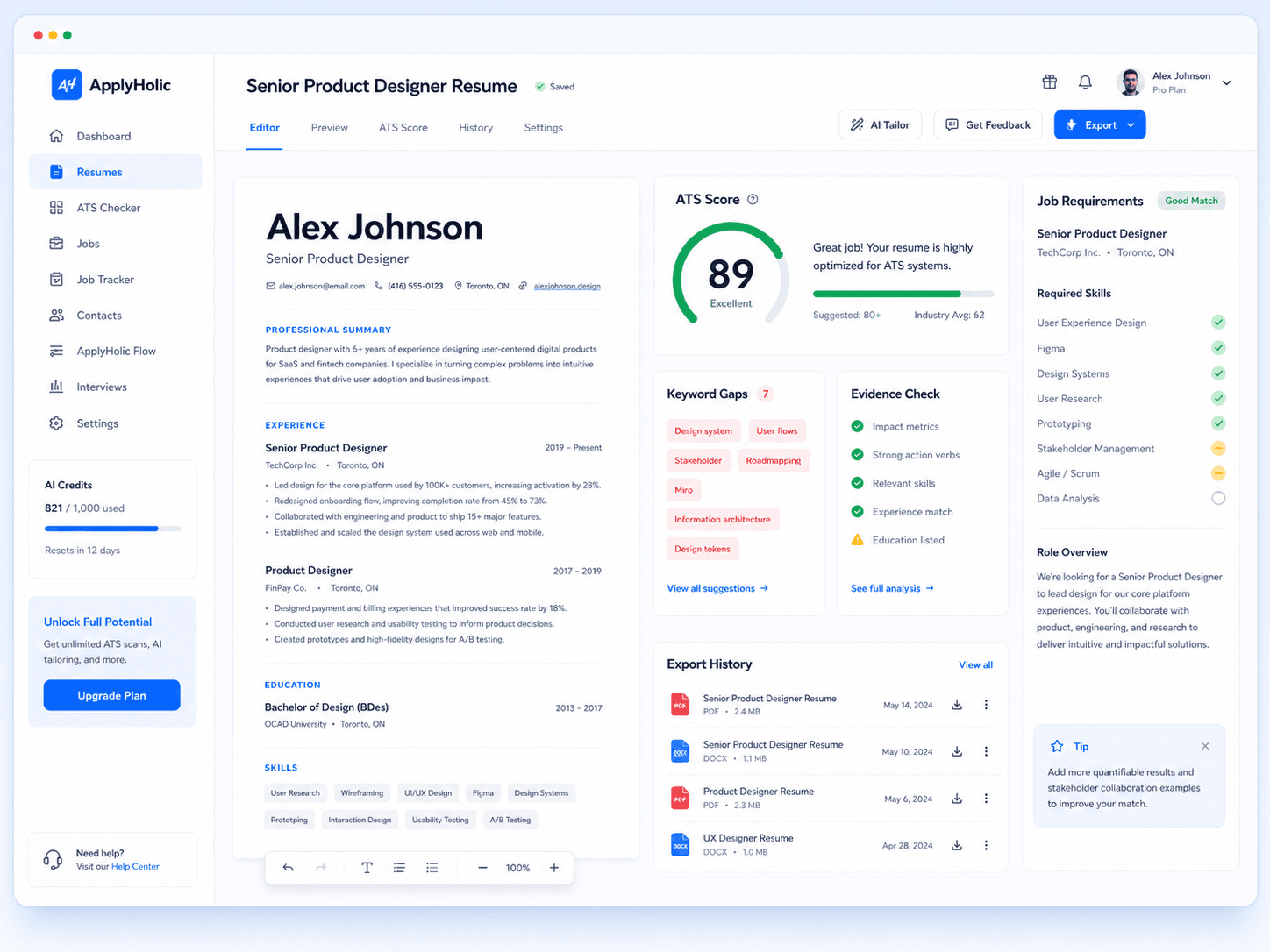
Import or create a resume, verify your experience, and save reusable profile details for future documents and supported forms.
Search across job sources, compare each role against your profile, and focus on opportunities with stronger evidence.
Use ATS evidence, keywords, and role requirements to improve the resume and supporting documents before submission.
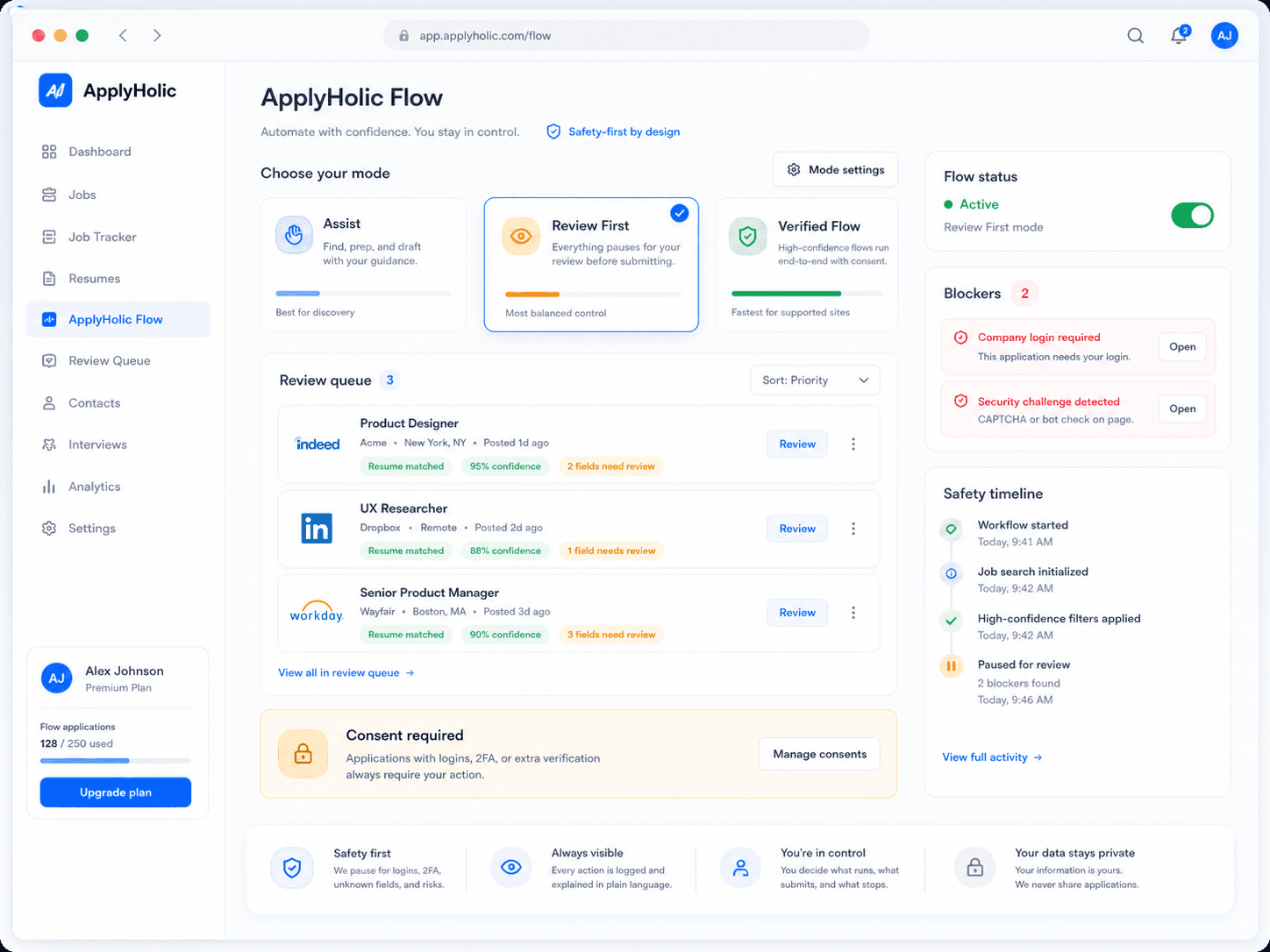
ApplyHolic Flow prepares or advances supported workflows only when consent, confidence, and policy checks allow it.
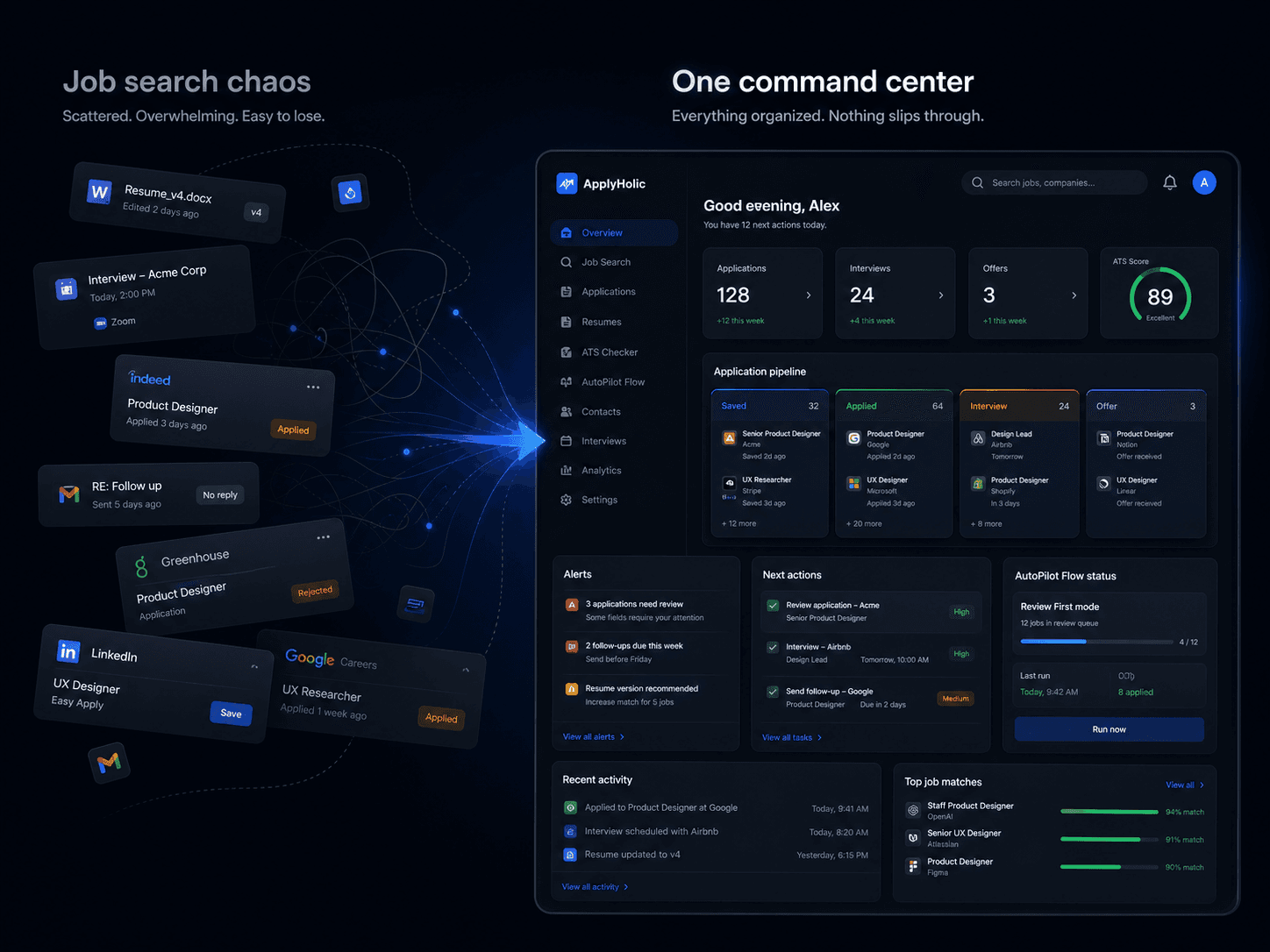
Every application, blocker, contact, interview, offer, and follow-up stays attached to the job record.
Safety
Review controls before employer-facing actions
CAPTCHA, login, 2FA, and unknown blockers stop for user action
Diagnostics explain why work was applied, skipped, or blocked
FAQ
No. ApplyHolic improves organization, targeting, and document quality, but employers control screening, interviews, and hiring decisions.
No. CAPTCHA, login, 2FA, suspicious challenges, unknown fields, and unsupported pages stop for user action.
Yes. The free workspace lets you build a resume, run starter checks, and organize a job search before upgrading.
No. Your workspace data is private to your account unless you explicitly export, share, or connect it.
No. It works best on supported workflows. Unsupported pages route to manual review instead of forcing automation.
A connected workspace keeps resume versions, job evidence, applications, contacts, interviews, offers, and diagnostics in one place.
Start with your profile, then let ApplyHolic keep each next action visible.
No credit card required. Cancel anytime.